Your gate opener remote is one of those small devices you never think about until it stops working. Maybe the buttons no longer respond, the range has shrunk to almost nothing, or you just bought a new remote that will not talk to your gate. Resetting and reprogramming the remote is often a quick fix you can handle yourself, and it can save you a service call.
This guide walks through how to reset your gate opener remote safely, what to check first, and when the problem points to something deeper in the system. If you would rather have a pro handle it, Electra Gate Solutions serves Riverside, San Bernardino, Corona, Moreno Valley, and the rest of the Inland Empire with 24/7 service.
Start With the Simple Stuff
Before resetting anything, rule out the easy causes. A surprising number of remote problems come down to a tired battery or interference, not a programming fault.
- Replace the battery. A weak battery is the single most common remote failure. Swap in a fresh one and test again from a few feet away.
- Clean the contacts. Corrosion or grime on the battery terminals can break the connection. Wipe them with a dry cloth.
- Test up close. If the remote works only when you are right next to the gate, the battery may be fading or there may be radio interference nearby.
- Try a second remote or the keypad. If another device works fine, you have narrowed the problem to the one remote.
If the remote still will not trigger the gate after a fresh battery, it is time to reprogram it.
Locate the Learn or Program Button
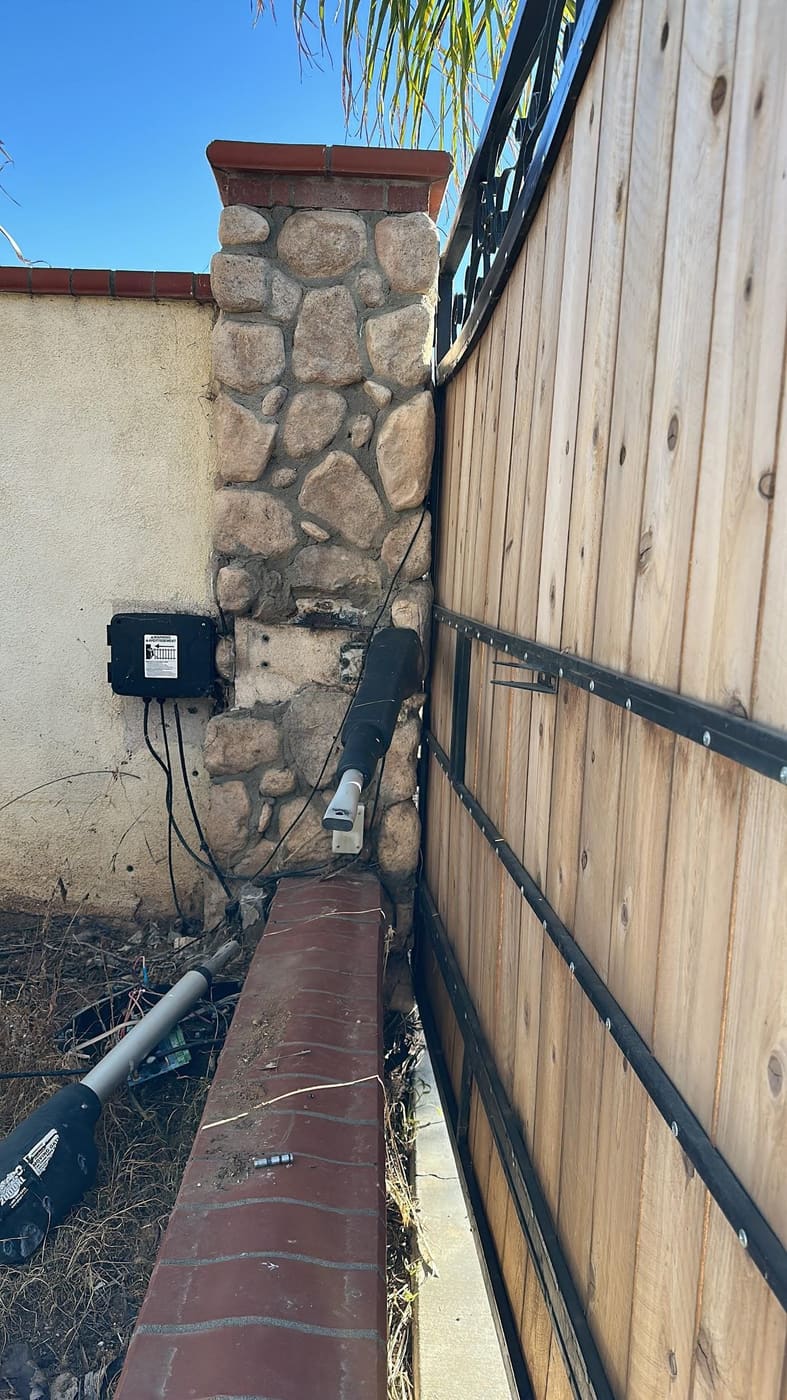
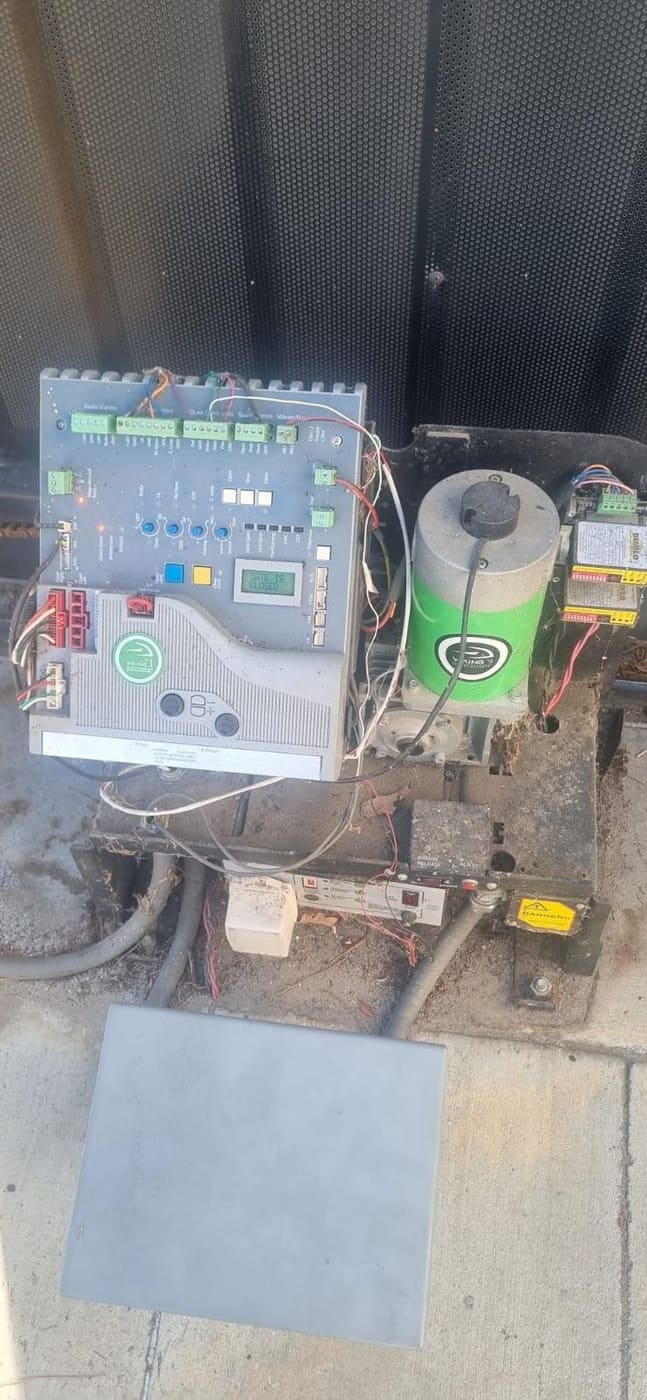
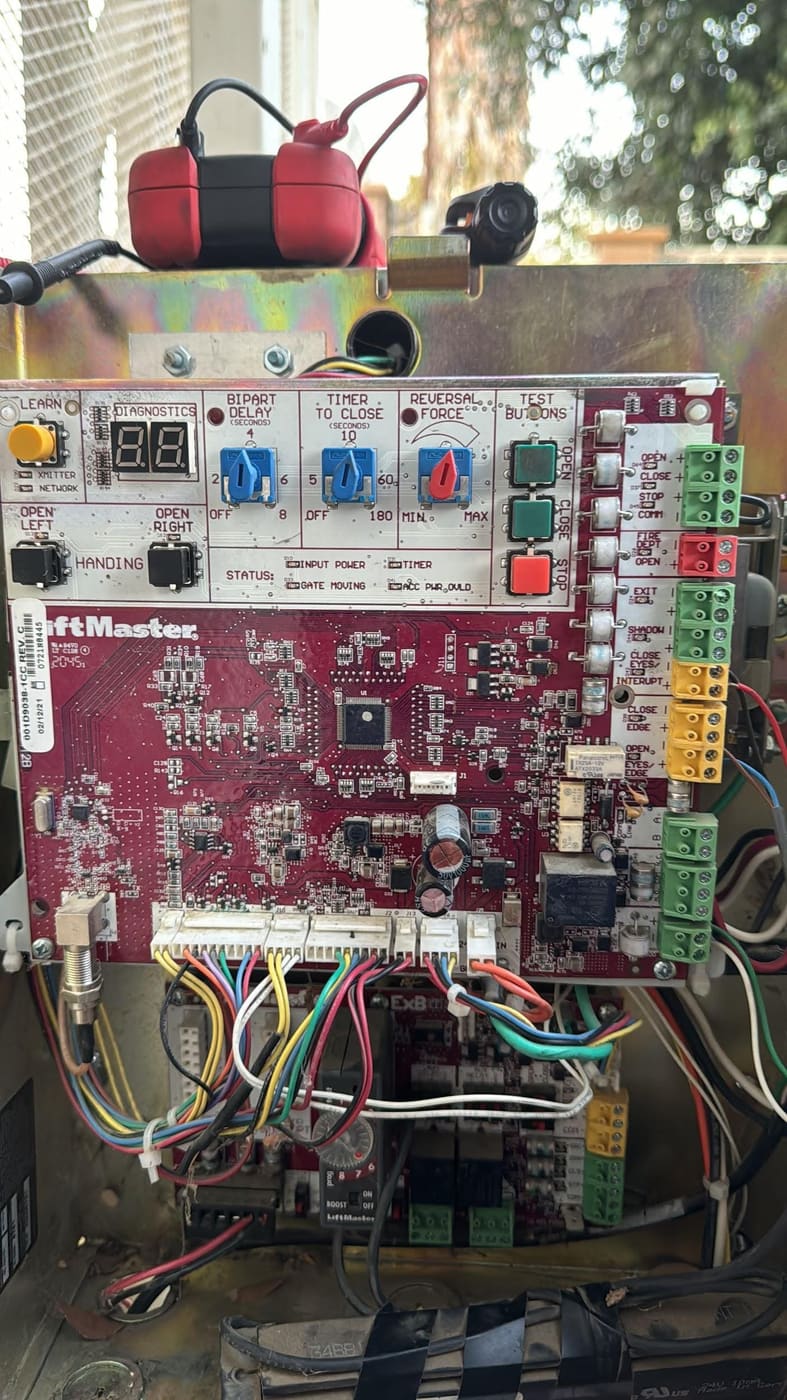
Most gate openers store remote codes in a receiver, which is usually part of the control board inside or near the motor housing. To reset and re-pair a remote, you need to find the Learn, Program, or Smart button on that board.
- Open the operator cover. The control board is typically behind a panel on the gate motor.
- Look for a small button labeled Learn, Program, Smart, or similar, often next to a tiny indicator light.
- Note the brand and model. Common opener brands handle programming a little differently, so knowing yours helps if you need to look up exact steps.
Safety note: the area around a gate motor can include live electrical connections and moving parts. Do not touch exposed wiring, and never reach into the mechanism while the gate has power. If anything looks burned, wet, or damaged, stop and call a technician for electric gate repair.
Reprogram a Single Remote
Once you have found the Learn button, re-pairing a remote is usually straightforward. The exact timing varies by brand, but the general process is the same.
- Press and release the Learn button on the receiver. The indicator light should turn on or begin blinking.
- Within a few seconds, press and hold the button on your remote that you want to use for the gate.
- Watch for the light to flash or the motor to click, which signals the code was accepted.
- Release the remote button and test the gate from a normal distance.
If the gate responds, you are done. If nothing happens, repeat the steps and make sure you press the remote button promptly after the Learn button, since the window is short.
Clear All Codes and Start Fresh
Sometimes you need a full reset, not just a re-pair. This is common when you move into a home and want to wipe a previous owner’s remotes, or when too many devices are stored and the system is acting erratically.
To clear all stored remotes, most openers use a longer press of the same Learn button, often eight to ten seconds, until the indicator light changes or goes out. This erases every remote and keypad code from memory.
Important: a full reset deletes all access devices at once, so you will need to reprogram each remote and keypad afterward. If you share the property with family or tenants, make sure everyone is ready to re-pair their device. If your gate access control covers multiple users or a commercial gate, it may be smarter to have a technician manage the reset so no one gets locked out.
When Resetting the Remote Is Not the Fix
If you have replaced the battery, reprogrammed the remote, and even cleared and re-paired everything, but the gate still ignores you, the problem is likely past the remote itself.
- A failing receiver or control board. If no remote or keypad works after reprogramming, the board may be damaged by a power surge, water, or age.
- A worn or stuck gate. A healthy remote cannot move a gate that is jammed, off track, or mechanically failing.
- Wiring or motor trouble. Humming with no movement, clicking, or erratic behavior points to deeper issues.
These are not DIY repairs. Diagnosing a control board or motor takes the right tools and safe handling of electrical components. That is the point to call an insured professional, whether you need a quick fix or a full gate opener installation.
Get Your Gate Working Again
A reset remote should have you back in control in minutes, but if it does not, you do not have to keep struggling at the gate. Electra Gate Solutions is fully insured and available 24/7 for electric gate and garage door service across the Inland Empire, with a 5.0 rating from 57 reviews. We offer free quotes, plus discounts for new customers, seniors, and veterans. Call us today at (951) 903-5514 or request a free quote, and we will get your gate responding again.